What Are API Docs?
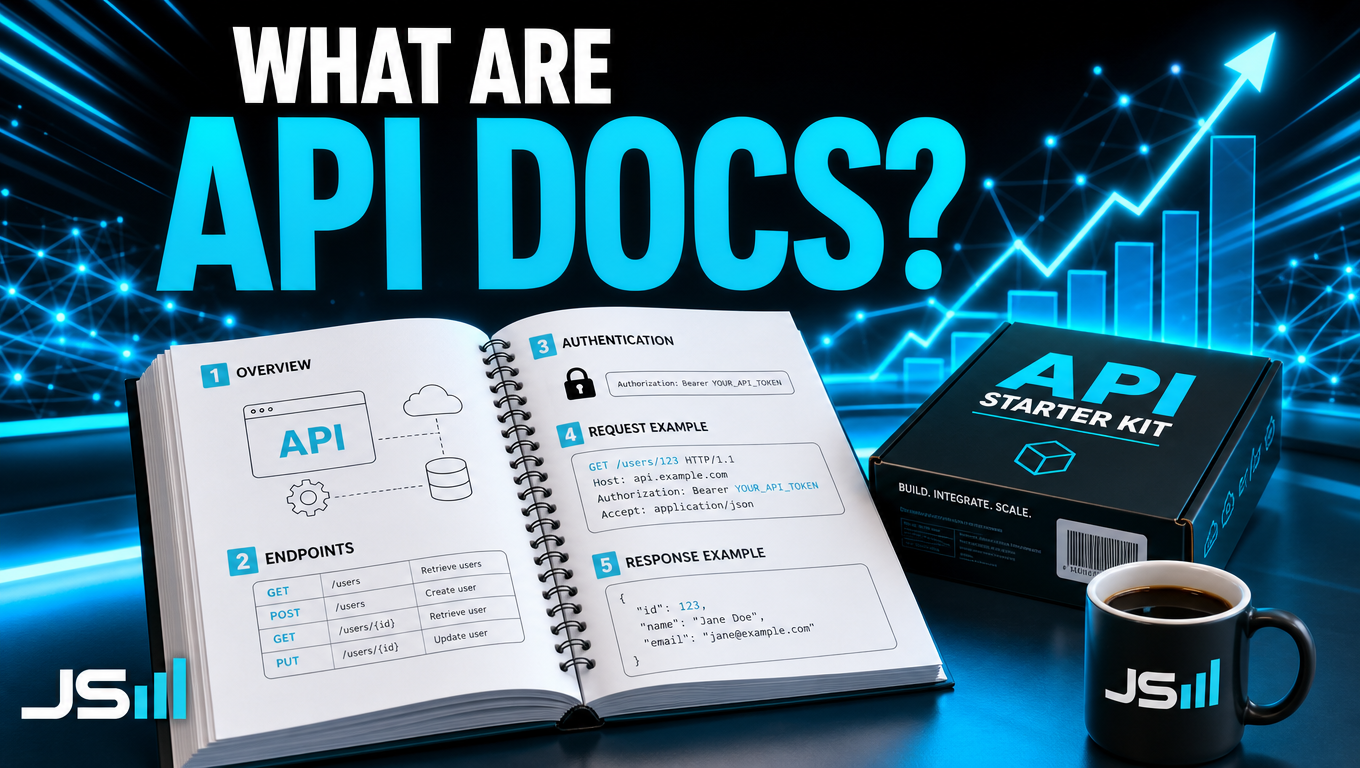
API docs are the instruction manual for a piece of software. What it can do, where the doors are, what blanks to fill in, where your key goes, and a worked example. Here's each page in plain English, and why AI just made the whole manual easier to read.
We've covered the API, the doorway between two programs. We've covered the API key, the pass that gets you through it. One piece left, and it's the one that makes the other two usable: the docs.
API docs are the instruction manual. That's it. That's the whole idea. Everything else in this post is just opening the manual and showing you what's inside.
Think about a new grill
You buy a grill. It shows up in a box. You could guess your way through it. Or you could open the manual.
The manual tells you four things. What the grill can do. Which knob does what. What you need before you start, like propane. And a picture of a finished burger so you know what good looks like.
API docs do the same four things for a piece of software. Here they are, one at a time.
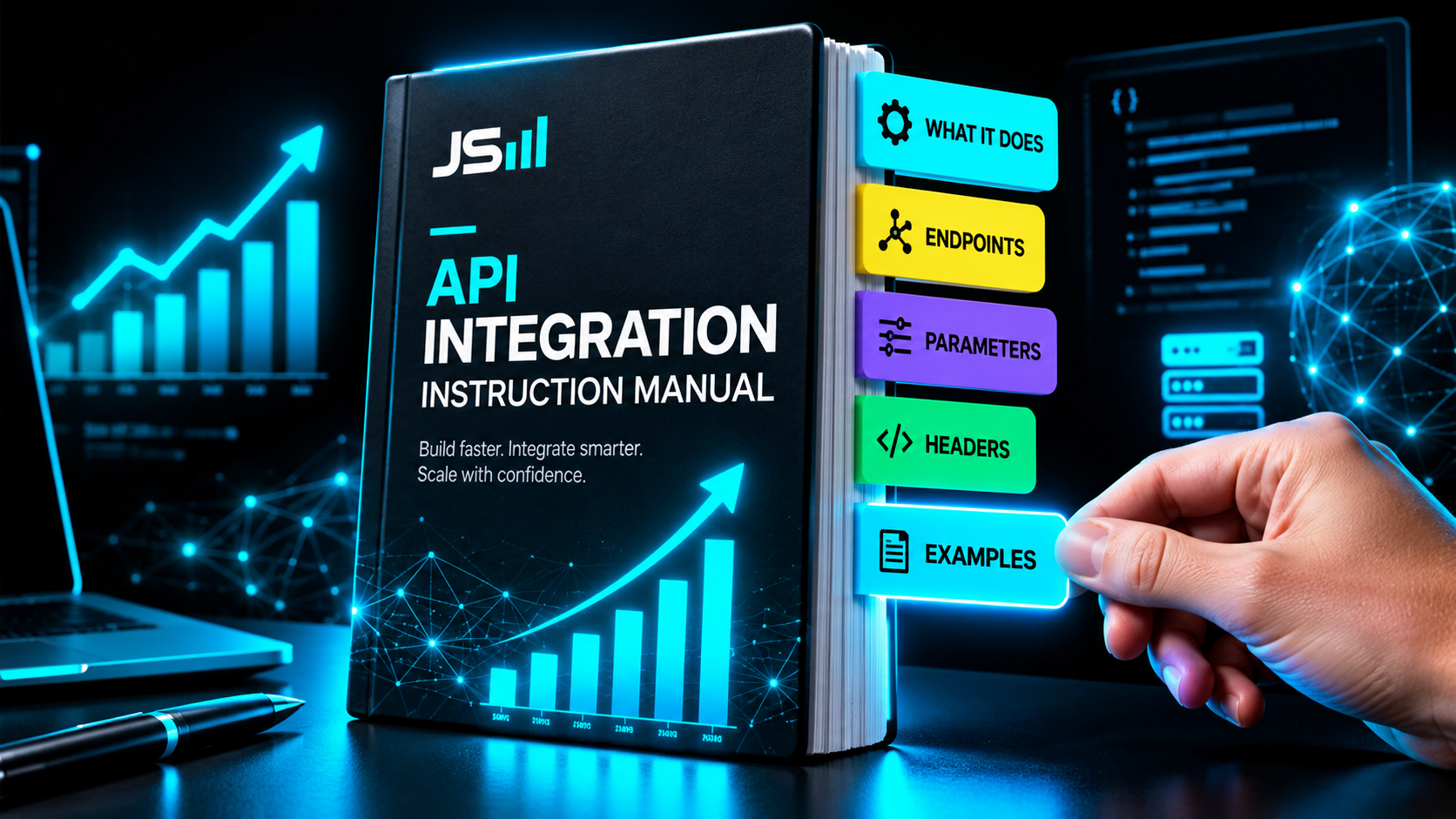
1. What you can do
The first page is the list of things the software will let you do from the outside. Look up a customer. Create an invoice. Send a text. Book an appointment.
If something isn't on this list, you can't do it through the API. Read this page first. It tells you in two minutes whether the tool can do what you need.
2. Endpoints
Every thing you can do has an address. That address is called an endpoint.
Think of a building with a door for each department. There's a door for customers, a door for invoices, a door for texts. The docs tell you where each door is and what happens when you knock on it. In our system, for example, the customers door is called /contacts. Knock there and you're talking about customers, nothing else.
3. Parameters
Parameters are the blanks you fill in. They're the form.
If you want to create an invoice, the software needs to know who it's for and how much. Those are parameters. The docs list every blank, tell you which ones are required and which are optional, and tell you what format they want. A date here, a number there, a name over there. Skip a required one and you get an error back. The docs are how you avoid that.
4. Headers and the API key
Headers are the label on the outside of the envelope. They say what kind of message this is and who it's from.
The most important header carries your API key. That's your pass. The docs tell you exactly where to put it, because every service wants it in a slightly different spot. Some want it in a header called x-api-key. Some want it in one called Authorization. Get this wrong and the door stays shut no matter how perfect the rest of your request is.
5. Example calls
This is the picture of the finished burger. It's the most useful page in the manual.
A good example call shows you a complete request, word for word, and the complete response you'll get back. Here's exactly what to send. Here's exactly what comes back. Copy it, change the names, and you're done. When I'm judging whether an API is good, I look at the examples before anything else. No examples, or stale examples, means the people who wrote it don't use it.
Why docs used to be painful
Honest answer: engineers wrote them for other engineers. The words assume you already know the words. The one example you need is the one that isn't there. And when you hit a wall, you're reading forty pages to find the one line that explains it.
That's why "just read the docs" has been the least helpful sentence in software for twenty years. It was true and it was useless.
What changed: AI reads the manual for you
Here's the part that matters right now. You can hand the docs to an AI and just ask it a question.

"How do I create an invoice for a customer named Maria?" It reads all forty pages, finds the endpoint, fills in the parameters, puts the key in the right header, and gives you the one call that does it. The jargon stops being your problem.
For a business owner, that's a big shift. You used to need a developer just to find out if two tools could talk to each other. Now you can paste a docs link into a chat and ask. If the docs are good, you'll get a straight answer.
A quick word on MCP
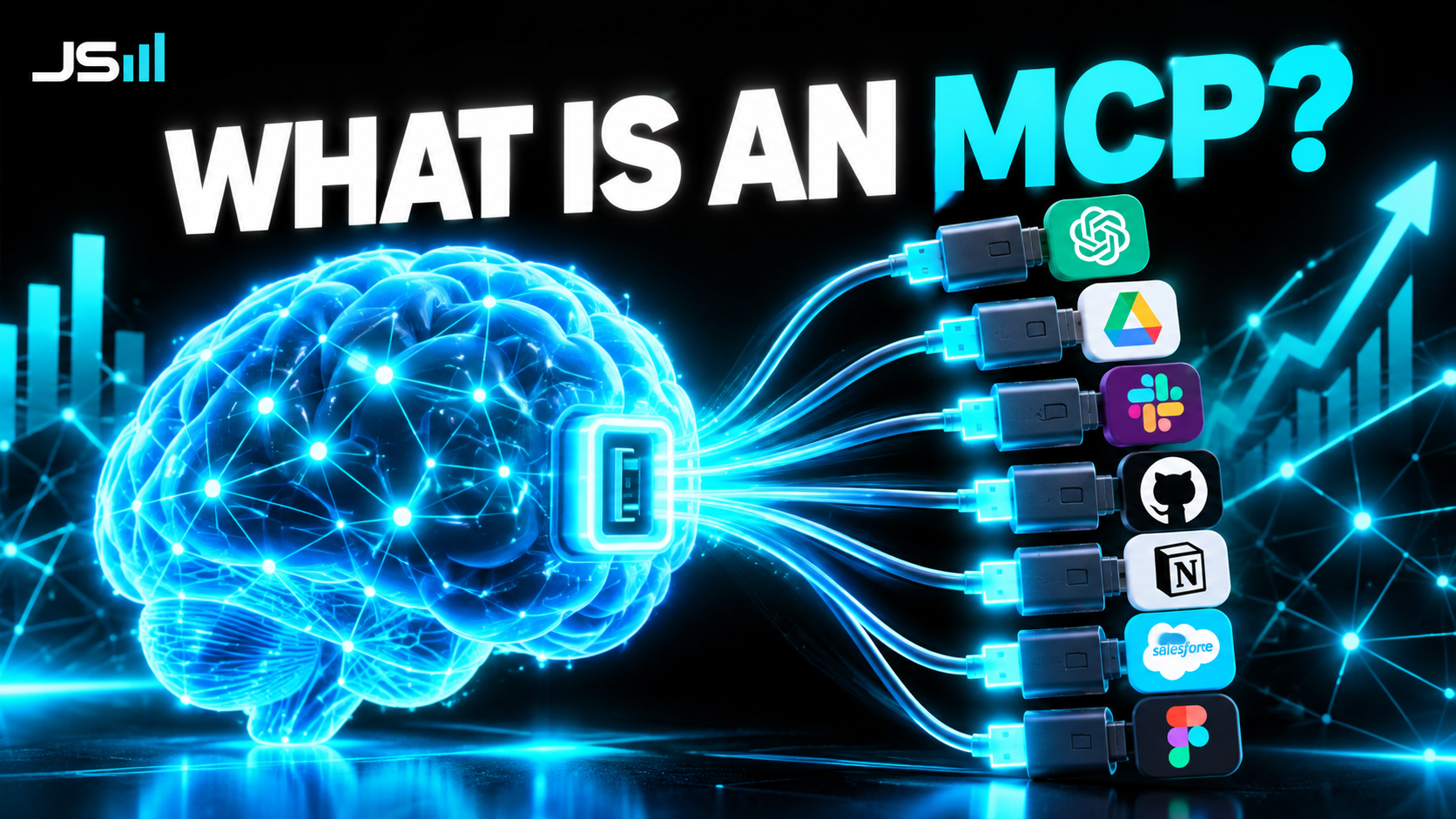
You might have heard the letters MCP floating around. It stands for Model Context Protocol, and people make it sound complicated. It isn't.
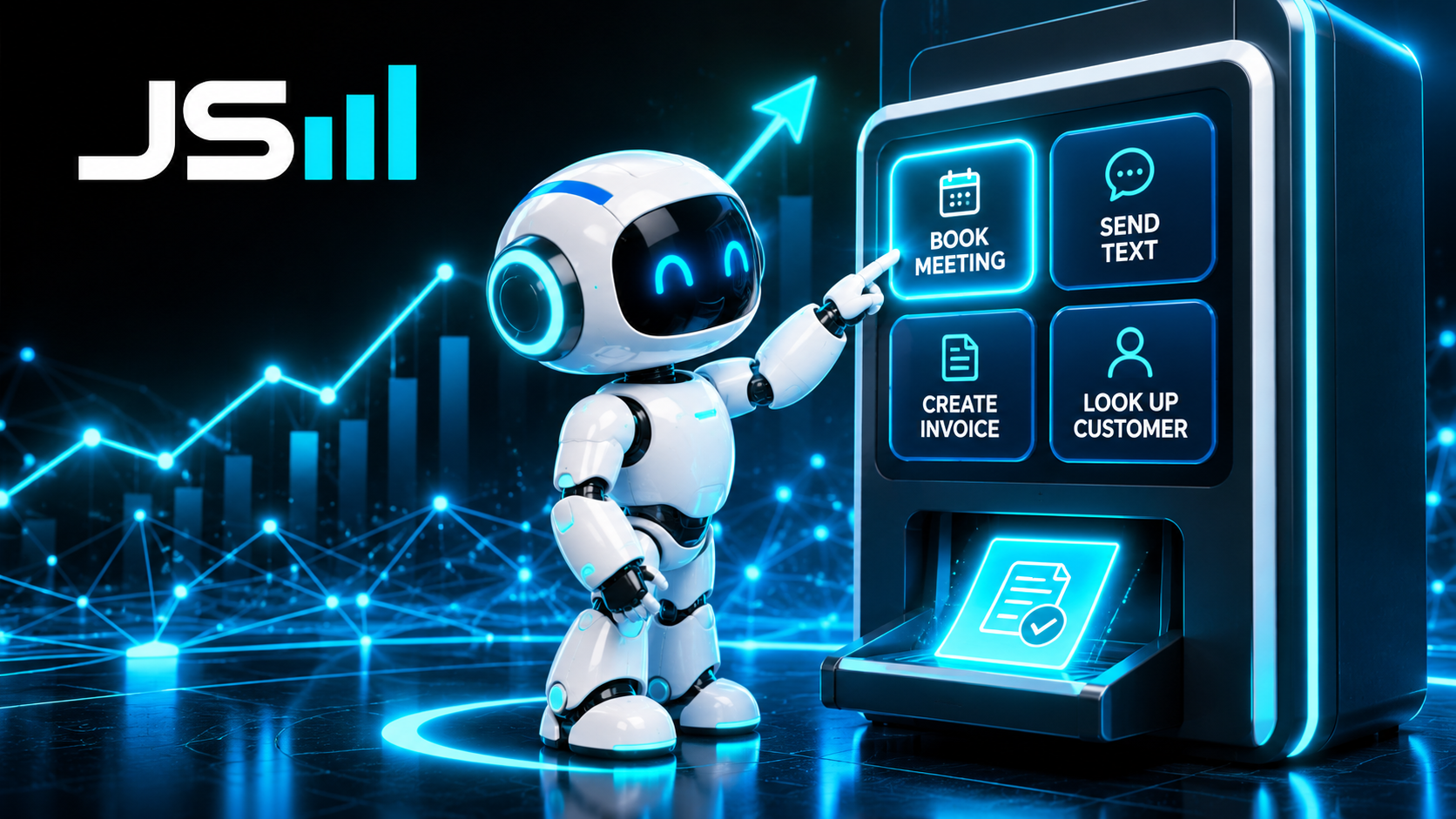
Under the hood, MCP is API docs written in a shape a model can read directly. It's a structured list: here are the things you can do, here's what each one needs, here's how to call it. Same five sections as the manual. Just formatted for a machine instead of a person.
So when someone says "my AI can book meetings on my calendar," what actually happened is the AI read a menu, found the button labeled book meeting, filled in the blanks, and pressed it. MCP is the menu. The API does the work. The docs are the thing that made the two of them understand each other.
The takeaway
API docs are the instruction manual for a piece of software. Five sections: what it can do, where the doors are, what blanks to fill in, where your key goes, and a worked example. They used to be hard to read. Now an AI will read them for you, and in the MCP world, the AI reads them to do the work itself.
So here's the practical rule. Before you buy a tool, ask for the API docs. If they're clear, an AI can use that tool for you. If a vendor can't show you docs, or the docs are a mess, that tells you something about the software too.
Want to talk about what you're building?
Get in touch