What Is a Migration? (Renovating the Restaurant While People Are Eating)
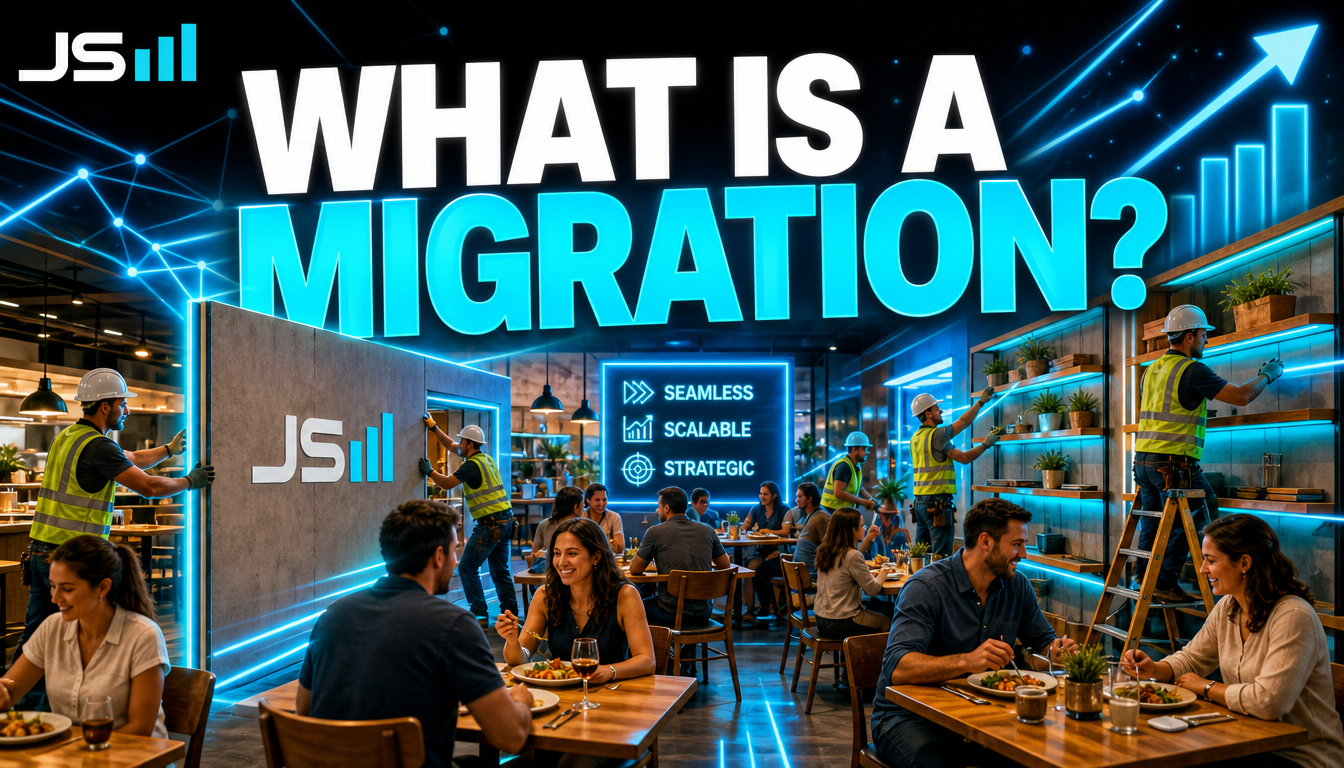
Your database is a restaurant that never closes. You can't just knock down a wall. A migration is the numbered work order that says exactly what to change, in what order, so every copy of the restaurant ends up identical and nobody's dinner gets interrupted. Here's what that actually means, why you write them even when it feels slow, and the night mine almost deleted the financials.
Every piece of software you use has a database behind it. A giant, organized pile of tables where the actual stuff lives: your customers, your invoices, your appointments, the text you sent at 2am that you regret. The code is the staff. The database is the building.
Here's the problem with buildings. You have to renovate them. And this one never closes.
A restaurant that never closes
Picture a restaurant that's open 24 hours, every day, forever. There are always people eating. And one day you decide the kitchen needs a new prep station, the dining room needs another section, and you want to start tracking which table ordered what.
You cannot close for a week. People are literally mid-bite. So how do you change the building while it's full?
Very carefully, with a written plan, one step at a time, in an order that never leaves a customer sitting on the floor.
That written plan is a migration.
What a migration actually is
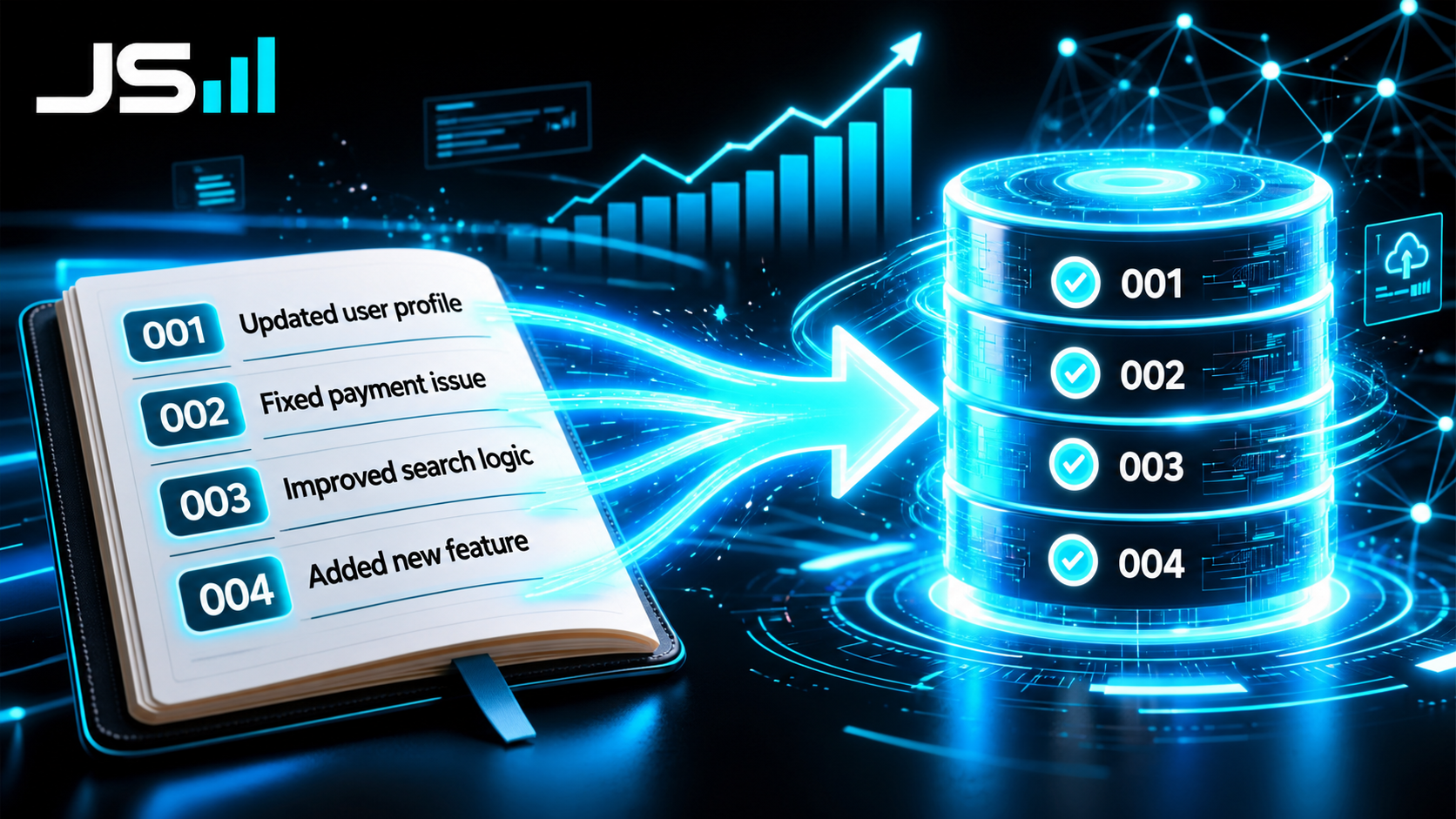
Strip the jargon: a migration is a small file that describes one change to the structure of your database. Add this table. Add this column to that table. Rename this thing. Add an index so this lookup stops being slow. That's it. One file, one change, written down.
Each one gets a number, and they only ever run in order. 001, then 002, then 003. Your database keeps a little list of which ones it's already done, so when you deploy new code, it looks at the list, finds the ones it hasn't run yet, and runs them, in sequence, and then stops.
So a migration isn't really the renovation. It's the work order for the renovation. A numbered, dated, exact instruction that says "do this, and only this, right here."
Stack all the work orders together and you've got something kind of beautiful: a complete diary of every structural change your database has ever had, in the order it happened. Hand that diary to a brand-new empty database and it'll replay the whole history and arrive at exactly the building you've got today.
Why not just change the database directly?
This is the question every beginner asks, and it's a fair one. If I want a new column, why don't I just log in and add it? Takes ten seconds.
Because you don't have one restaurant. You have at least three.

There's the one on your laptop where you build stuff. There's the staging one where you test it. And there's production, the real one, with real customers eating in it. Any change you make has to happen in all three, identically, in the same order, or the code that works on your laptop explodes the second it hits the real building because the real building is missing a wall you forgot you added by hand three weeks ago.
I've written about edge cases punching you in the face. "It works on my machine" is the king of them, and most of the time the reason it works on your machine is that your machine's database quietly has a different shape than production's. Migrations kill that whole category of bug. Same work orders, same order, same building, everywhere.
There's a second reason that matters just as much. Migrations live in your code. They get committed, reviewed, and versioned like everything else. That means every structural change to your data has a name attached, a date, and a reason. Six months from now when something's weird, you can read the diary and find out who added that column and why. Changes made by hand at 11pm leave no diary. They just leave mysteries.
Up and down
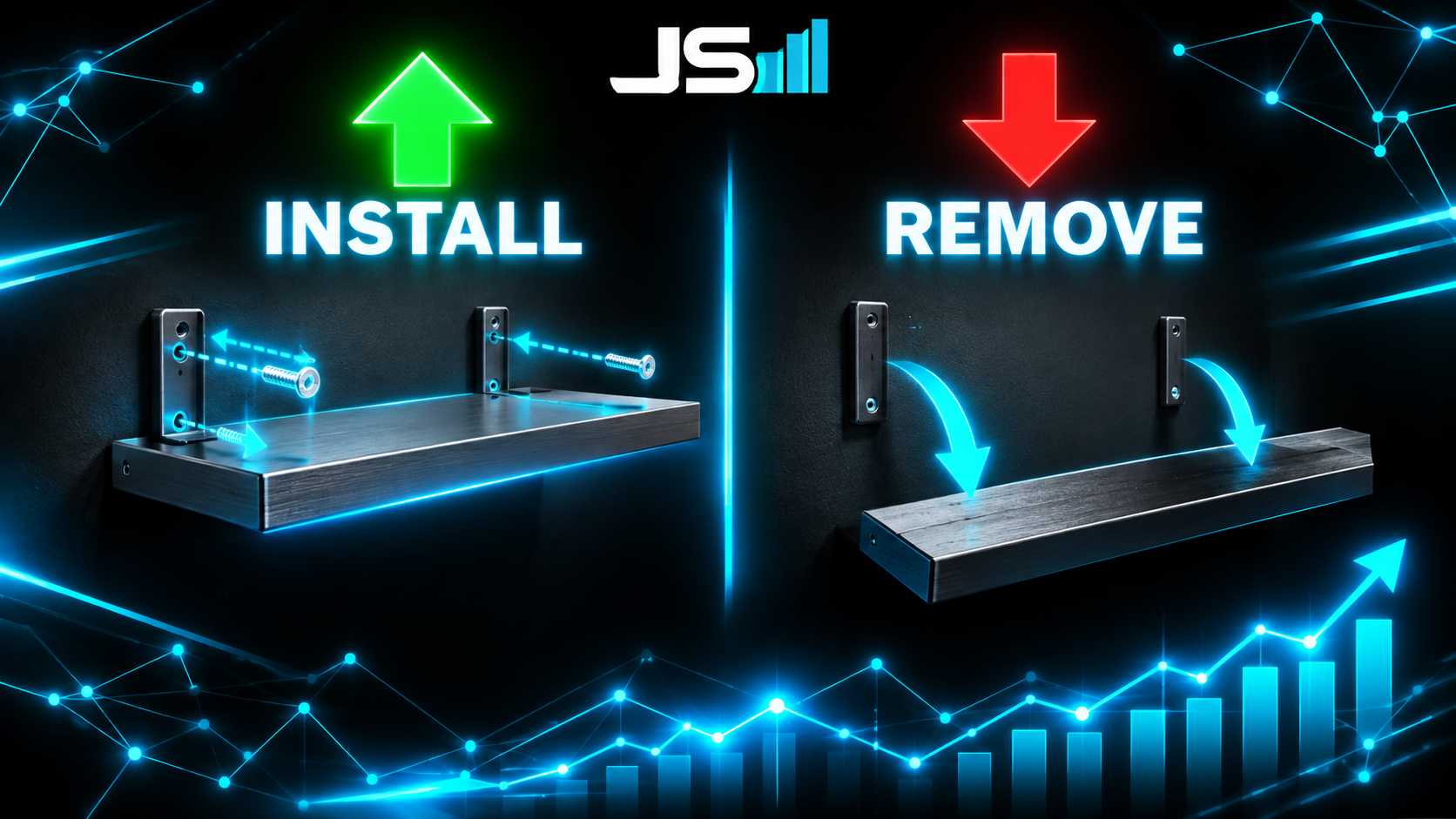
A proper migration has two halves. The "up" is the change. The "down" is how to reverse it.
Install the shelf. Remove the shelf. Add the column. Drop the column. If you deploy something and it goes sideways, you run the down, the building goes back to how it was, and you figure out what happened with the customers still happily eating.
Not every change is cleanly reversible. If a migration deletes data, there's no "down" that brings it back, which brings me to the part of this I actually want you to remember.
The night it almost deleted the financials
Migrations are structural, and structure is where the real danger lives. Adding a column is harmless. Dropping a table is not. And a migration will do either one with exactly the same cheerful efficiency, because it's a work order and work orders don't have opinions.
I've mentioned this before in the judgment piece, but it belongs here too. While I was building our platform, the AI tool I was using generated a migration that, if I'd run it, would have wiped live financial records. It wasn't being malicious. It had a reasonable-sounding goal and it wrote a reasonable-looking file to get there, and the file happened to drop something it should not have touched. It was one approval away from being a very bad day.
I caught it because I read the migration before I ran it. That's the whole story. That's always the whole story.
Here's the thing about work orders: the contractor will do exactly what's on the paper. If the paper says "demolish the east wall" and the east wall is load-bearing, the contractor is not the one who's going to notice. You are. Which is why, in my shop, a migration that touches anything load-bearing gets read line by line by a human before it touches production. The tooling is fast now and I love that. Reading the diff is still the job.
The dumbest fight in software

Quick one, because it will happen to you and nobody warns you.
Migrations are numbered and they run in order. So what happens when two people, working on two different things, both create migration number 042 on the same afternoon?
The database sees two work orders with the same number, gets confused about which one it already ran, and either skips one or runs them in the wrong order. Either way the three kitchens stop matching and you're back in "works on my machine" hell.
The fix is boring and it's not optional: before you merge, check the numbers, and if there's a collision, renumber yours to come after. I got annoyed enough at this that I built a tool to do it for me. That's not a flex, it's a confession about how many times it bit me first.
When you don't need any of this
Honesty section. If you're building a weekend prototype with one database and one developer, you can absolutely change things by hand and be fine. MVPs are allowed to be ugly, and mine certainly was. Writing a formal work order to add one column to a database only you have ever seen is ceremony for its own sake.
The moment to start is the moment there's a second copy of the database. A staging environment, a second developer, a real customer. The instant the building exists in more than one place, every change needs to be a work order, or the copies drift and you'll spend a weekend figuring out which one is lying.
The takeaway
A migration is a numbered, written-down change to the shape of your database. Run them in order and every copy of your database ends up identical. Keep them in your code and you've got a diary of every structural change you've ever made. Write the "down" so you can back out. And read anything that drops, deletes, or renames before you let it anywhere near real data.
It's how you renovate a restaurant that never closes. Slowly, on paper, one wall at a time, with everyone still eating.
And if your building's got a few walls that were moved by hand at midnight and nobody remembers why, that's a thing we untangle.
Want to talk about what you're building?
Get in touch